> ## Documentation Index
> Fetch the complete documentation index at: https://docs.replit.com/llms.txt
> Use this file to discover all available pages before exploring further.
# Access contacts
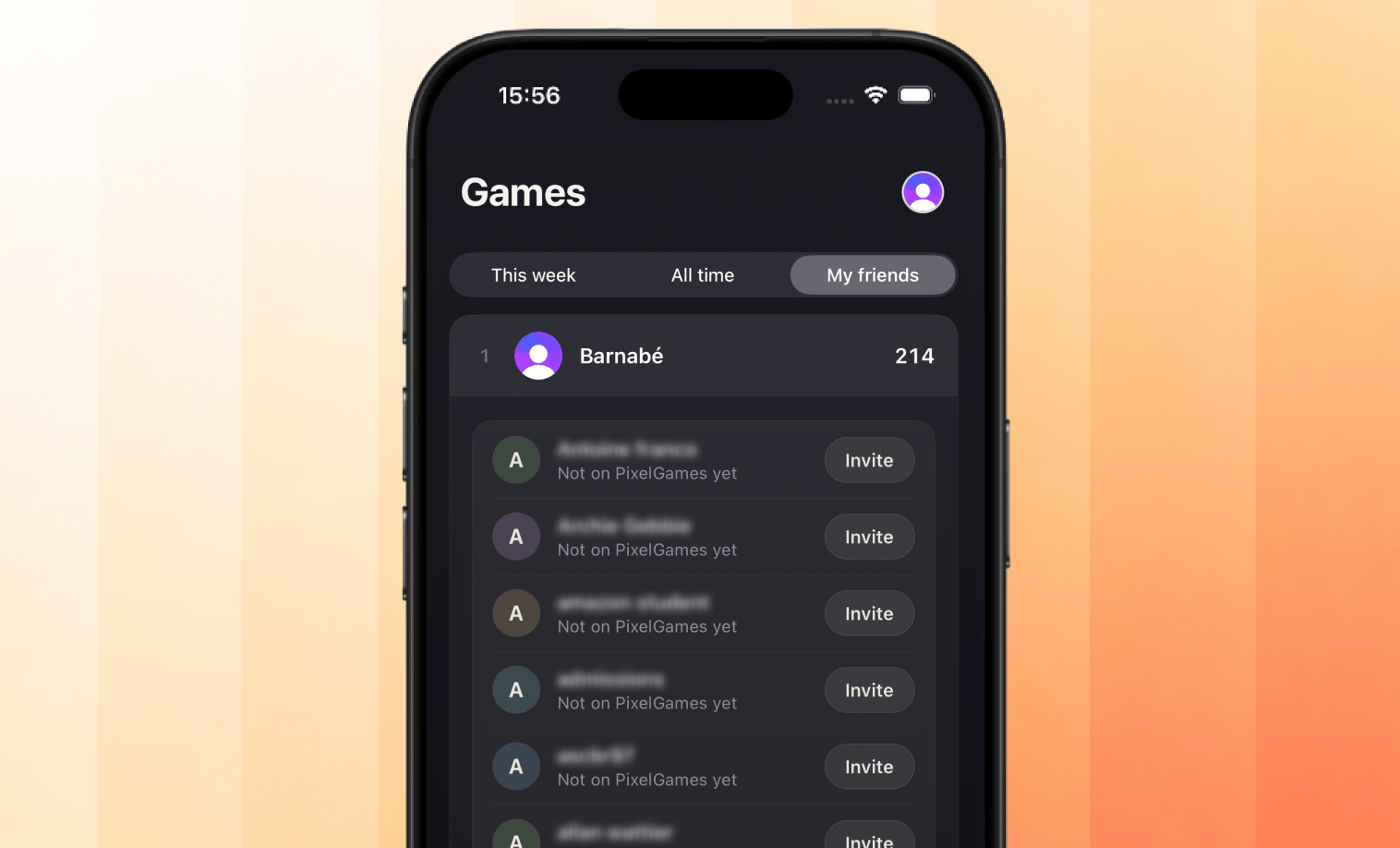
> Let players see which friends are already playing PixelGames.
export const AiPrompt = ({children}) => {
return
{children}
;
};
export const contactsPrompt = "Let players pick friends from their contacts with the system contact picker. Show which of them already play PixelGames, along with their high scores.";
{contactsPrompt}
Players choose who to share with the system picker, so PixelGames only sees the contacts they
select. Both iOS and Android use this picker instead of a blanket address-book permission.
PixelGames matches shared phone numbers or emails to existing players and shows their scores,
unmatched contacts are left alone.
 ## What's next
See other native iOS patterns used across PixelGames.
Save profile photos to App Storage.
## What's next
See other native iOS patterns used across PixelGames.
Save profile photos to App Storage.