

Free Mode always uses intelligent model routing, so Replit selects the model
for your request. You cannot select a specific model in Free Mode.
Get more from your allowance
Free Mode is a good place to keep momentum on the work in front of you. Use it to:- Explore and validate an idea before committing to a bigger build.
- Start a new project, make a first pass at a feature, or work through a smaller change.
- Ask questions, create a plan, and refine your work through follow-up messages.
- Continue everyday work without using credits while your allowance is available.
Know when to use another mode
Free Mode limits depend on your plan. Open Settings → Usage to check your current limit and reset timing.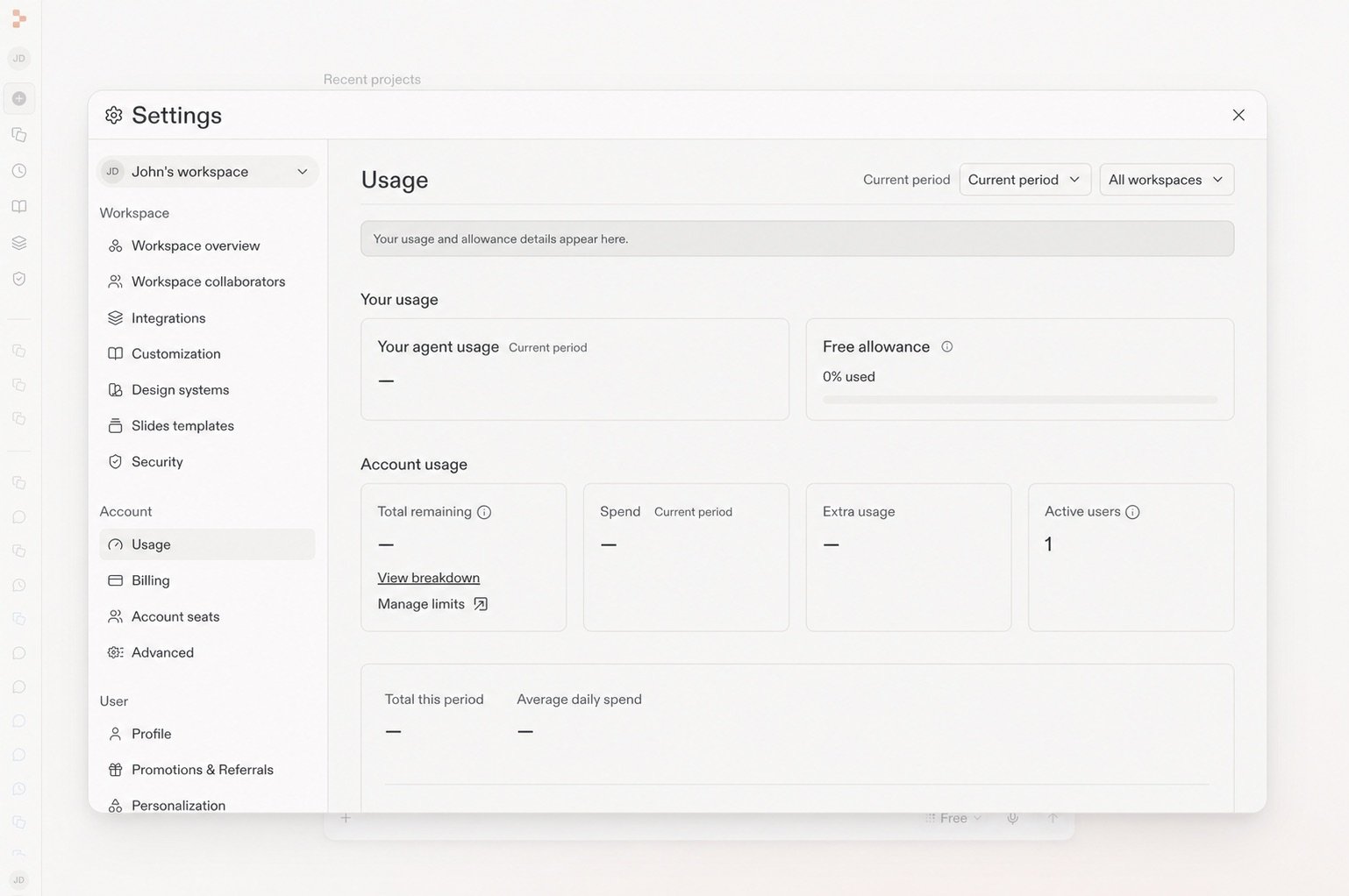
Your Usage page shows the remaining Free allowance and when it refreshes.
Choose the mode that fits the work
Power Mode replaces Economy Mode at the same cost, with the same or better performance. On Core and Pro plans, you can select an available model in Power Mode or Max Mode.
Learn more
Free Mode reference
Review how Free Mode fits with Power Mode and Max Mode.
Open the reference →
Prompting
Learn how to give Replit useful direction and context.
Continue →