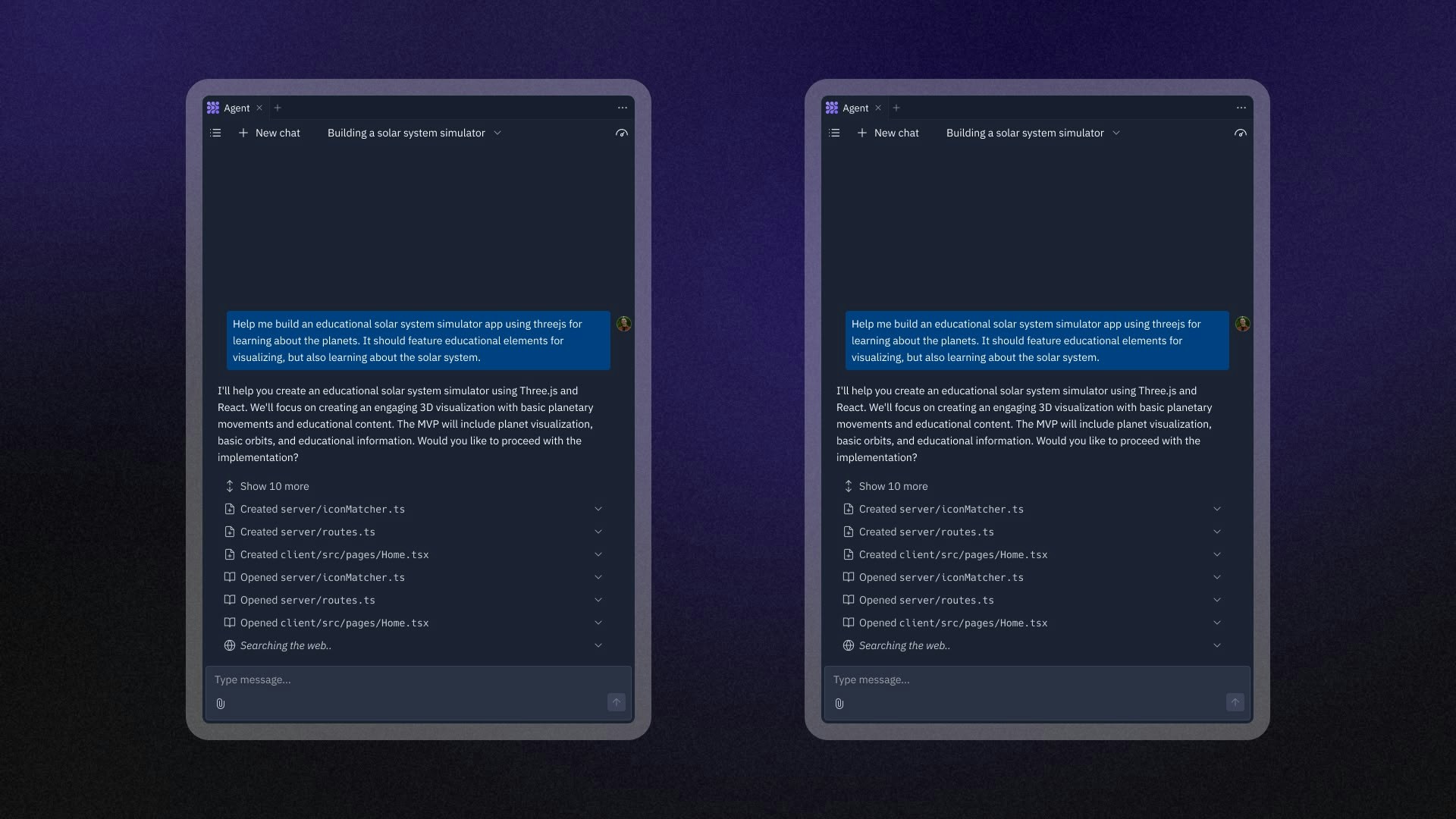
Build applications with current, real-world data using Agent’s Web Search  capabilities.
This feature overcomes knowledge cutoffs by accessing the latest information on the web. When you ask Agent to create something requiring up-to-date information, it searches the web and fetches detailed content to make your app more accurate and useful.
Web Search is valuable for finding the latest packages, tools, and information. This ensures your apps use current best practices and are more accurate.
capabilities.
This feature overcomes knowledge cutoffs by accessing the latest information on the web. When you ask Agent to create something requiring up-to-date information, it searches the web and fetches detailed content to make your app more accurate and useful.
Web Search is valuable for finding the latest packages, tools, and information. This ensures your apps use current best practices and are more accurate.
Features
Build applications with current information using Agent’s Web Search. This eliminates manual research and data gathering. Whether you’re creating a dashboard with financial data or building a website showcasing recent startup launches, Web Search ensures your app reflects reality.
Agent can perform the following Web Search actions:
- Search: Find current information, latest documentation, and real-time data from the internet
- Content fetching: Retrieve detailed information from specific websites and URLs
- Source citations: View exactly where Agent found information so you can verify and reference sources
Usage
Web Search is built into Agent — there’s nothing to toggle on. Describe what you want to build, and Agent automatically determines when to search the web for current information. Include keywords like “search,” “research,” or “use Web Search” in your prompt to nudge Agent to search explicitly.
When Agent uses Web Search
Agent triggers Web Search when you request information that requires current data:
How Web Search enhances your apps
Web Search transforms your applications from using placeholder data to incorporating real, accurate information:
Source citations
When Agent uses Web Search, it provides source citations that show exactly where the information came from. Use these citations to:
- Verify information: Check the reliability and accuracy of sources
- Learn more: Visit the original sources for more context
- Reference sources: Include proper attribution in your applications
- Track research: Understand what information informed Agent’s work
Content fetching
Agent can fetch detailed content from specific websites to gather comprehensive information for your project. This allows Agent to:
- Read entire web pages to extract relevant details
- Process documentation and reference materials
- Gather specific data points from authoritative sources
- Integrate structured information into your application
Examples of Web Search in action
Package discovery for image processing
Agent searches for current image processing libraries, compares their features
and performance, then builds the app using the most suitable tools.
Web Search works best with specific, detailed requests. For technology
discovery, mention your specific requirements
Always verify information from Web Search results, especially for critical
applications. While Agent searches reputable sources, confirm important
details for production applications.
Next steps
Combine Web Search with other Agent features for maximum impact:
- Learn about Agent capabilities for building apps
- Explore Replit AI tools for more development features