

For a step-by-step walkthrough, follow Build a Shopify storefront.
What you can build
- Custom-designed storefronts for physical products
- Branded merch and apparel stores
- Direct-to-consumer shops with carts and checkout
- Catalog and inventory tools backed by your Shopify store
- Product landing pages that sell a single hero item
Examples

Ember & Oak: a hand-poured soy candle store, built in the tutorial

Petals & Purl: a hand-knitted yarn flower store
How it works
1
Describe your store
Tell Agent what you want to sell. It recommends Shopify for physical goods, even if you don’t name it.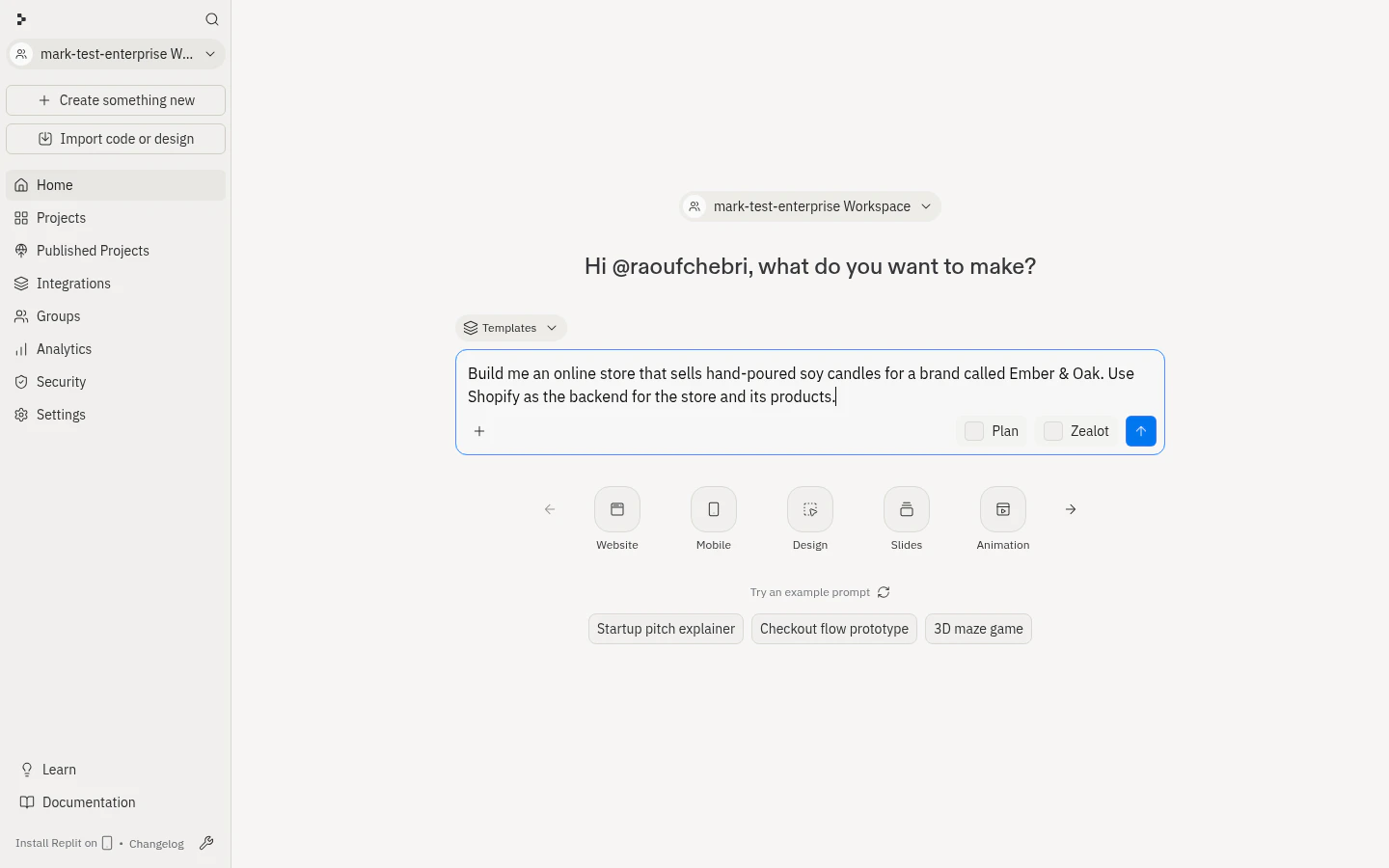
2
Agent provisions a store
A development store is created (about ten seconds) under Replit’s Shopify Partner account, the Replit Sales Channel app is installed, and the store is connected. No API keys; one store per app; password-protected until you claim it.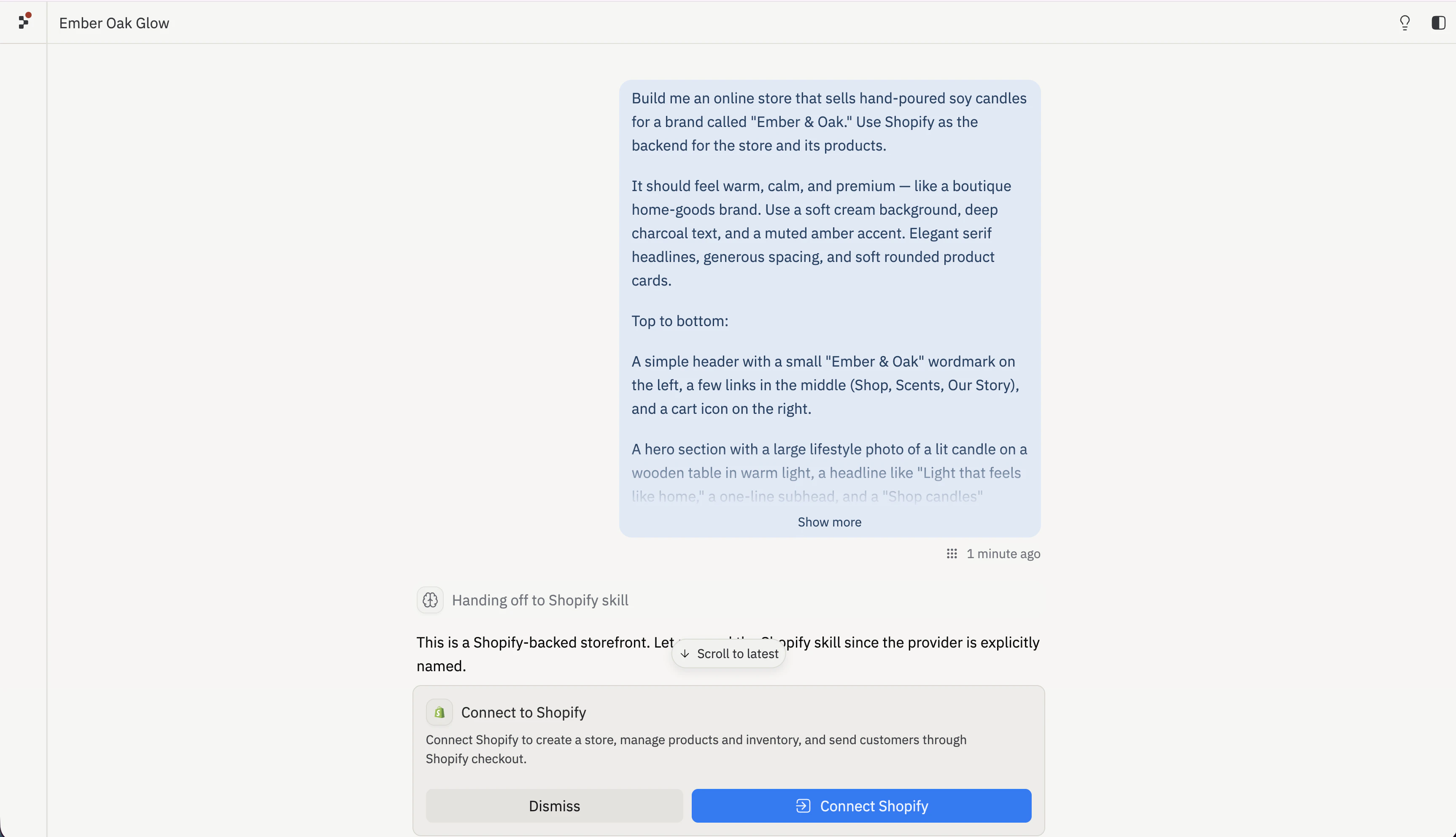
3
Agent builds and manages it
Agent designs the headless storefront and maintains products, variants, inventory, collections, and discounts.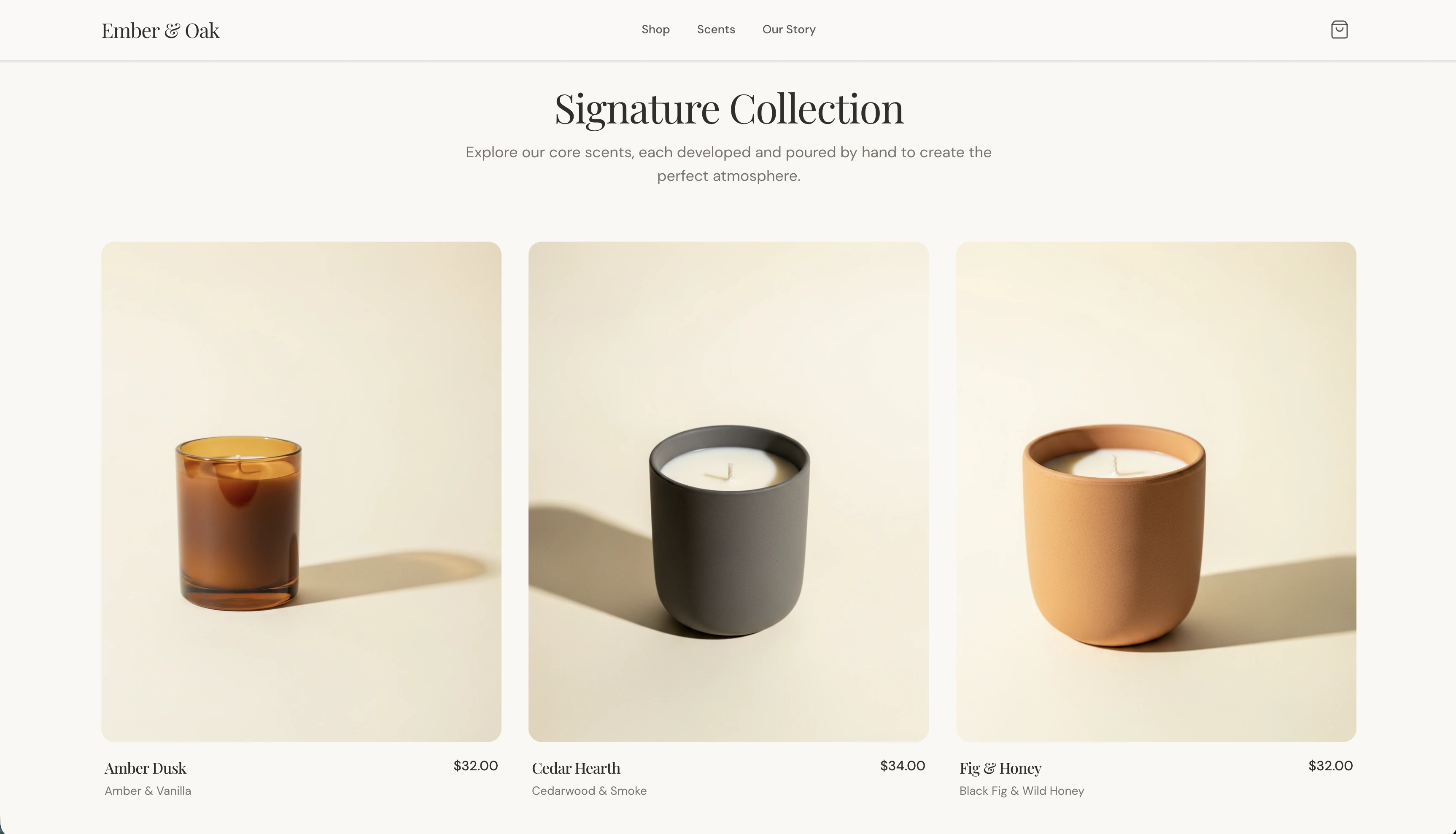
4
Go live on Shopify
Claim the store, choose a plan, set up payments, and launch when you’re ready to sell.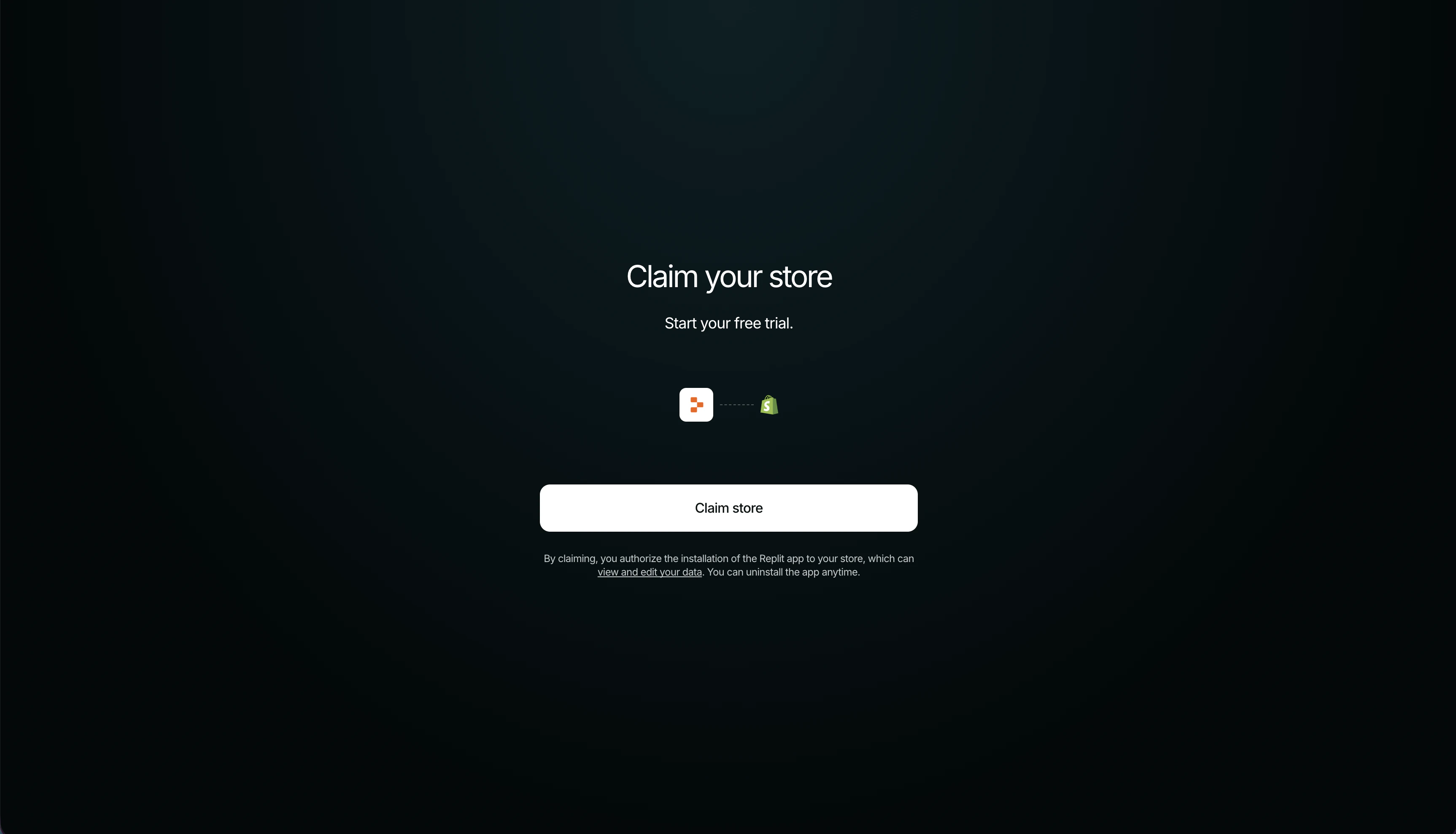
What Agent manages
Everything in the storefront and catalog is editable by chat.Replit and Shopify: who does what
Orders, refunds, payouts, and fulfillment are handled in your Shopify admin, not through Agent.
Connection scope
- Available to all builders on all apps, connected in the conversation, with no Connectors-panel setup and no credentials.
- Scoped to one app: each app gets its own Shopify store.
- The store is a Replit-owned development store until you claim it; your email is shared with Shopify so you can claim it later.
- You can uninstall the Replit app from your Shopify admin at any time.
Go live on Shopify
Going live happens on Shopify, not Replit. Ask Agent to start the Go Live flow, then complete these merchant-owned steps in your Shopify admin:- Claim the store from the link in chat or the email Shopify sends. The link expires after 7 days. Claiming starts a free trial.
- Choose a plan: a paid plan is required to process live orders.
- Set up payments: activate Shopify Payments or another provider and complete identity verification (KYC). Live capture works once the claiming account finishes KYC.
- Configure shipping and taxes.
- Connect a custom domain (optional) and remove the storefront password to open the store to buyers.
Payments, identity verification, taxes, shipping, and fraud checks stay on Shopify. Replit never collects merchant banking details, tax IDs, or other sensitive information.
Troubleshooting
Setting up the Shopify store takes a while
Setting up the Shopify store takes a while
Provisioning calls several Shopify APIs and can take a little time. Let Agent finish setup before asking it to build the storefront.
Checkout shows a password page during development
Checkout shows a password page during development
Development stores are password-protected until you go live, so checkout previews can land on a password page. This is expected, but the cart still works. Remove the password in Shopify only when you launch.
Checkout won't complete a real payment
Checkout won't complete a real payment
Live capture requires the claiming Shopify account to finish payments setup and KYC. Until then, checkout redirects to Shopify but can’t capture a payment. Complete KYC, or use an account that already has payments set up.
Agent says Shopify isn't connected for this app
Agent says Shopify isn't connected for this app
Each store is scoped to one app. If you connected Shopify on a different app, ask Agent to set up a Shopify store for the current one.
Products don't appear on the storefront
Products don't appear on the storefront
A product is only visible once it’s active and published. Agent auto-publishes products it creates; if one is missing, ask Agent to publish it, then refresh the preview.
The connection needs to reconnect after transfer
The connection needs to reconnect after transfer
After you claim or transfer the store, Shopify may ask you to reauthorize the connection. Ask Agent to reconnect Shopify, and it restores access without losing your store.
Related documentation
- Build a Shopify storefront: Step-by-step guide from a prompt to a published storefront
- Add a custom domain: Give your storefront a branded URL
- Agent integrations: Replit-managed integrations and Agent services
- Managing your connectors: Configure and manage connectors
- Shopify Help Center: Store setup, payments, and account management